6 Fundraising Tools Every Small Nonprofit Should Know About in 2026
Many small nonprofits are juggling separate platforms for donor management, event management, communications, and fundraising campaigns. These tools are expensive, and when they don't connect properly, data gets siloed and staff end up spending hours every week manually syncing information between systems.
If you’re dealing with this, the right fundraising tool(s) can consolidate your workflows, reduce administrative overhead, and give your team more time to focus on your mission.
This guide covers what to look for in a fundraising tool, six fundraising tools you should know about in 2026, and how to figure out which tool or tools are right for your organization.
What to look for in a fundraising tool
Not every fundraising platform is built the same, and the wrong choice can cost you time, money, and donor trust. Here's what to evaluate before you commit.
Ease of use: If your team needs a training session just to launch a campaign, that's a problem. The best fundraising tools for nonprofits are intuitive enough that a volunteer can figure them out without much hand-holding.
Cost transparency: Some platforms are advertised as “completely free” but charge transaction fees, monthly costs, or payout fees that add up quickly. Make sure you understand the platform's cost structure before signing up.
Integrations: Check whether the platform connects with the CRM, email tool, or accounting software you're already using. Manually transferring data between systems is time-consuming and prone to errors.
Reporting & analytics: You need to know what's working in your nonprofit, not just how much came in. Good reporting lets you track donor retention, campaign performance, and giving trends so you can make informed decisions going forward.
Customer support: When something breaks mid-campaign, "submit a ticket" doesn't cut it. Look for platforms that offer accessible support through live chat, phone, or a dedicated account contact.
The 6 best fundraising tools for small nonprofits in 2026
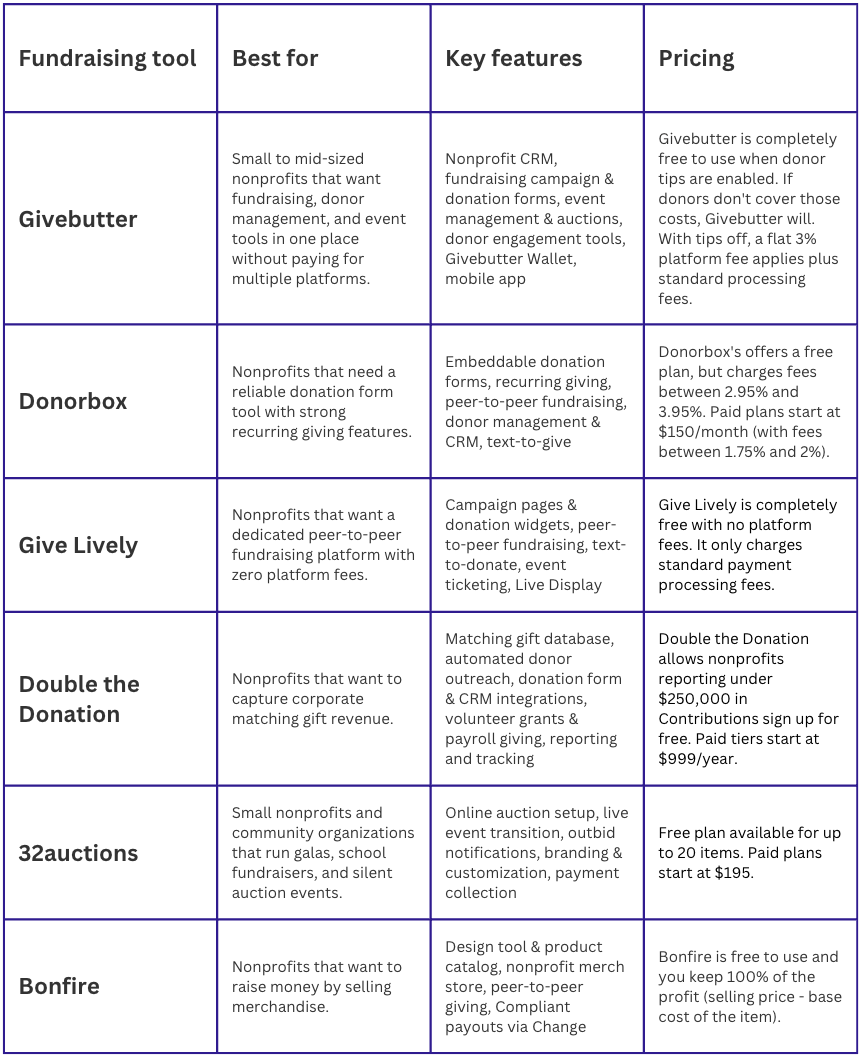
Table describing different nonprofit fundraising options.
Givebutter — Free fundraising, CRM, & engagement tools in one platform
Best for: Small to mid-sized nonprofits that want fundraising, donor management, and event tools in one place without paying for multiple platforms.
Givebutter gives nonprofits a full fundraising toolkit without the price tag that usually comes with it. You can run donation campaigns, sell event tickets, manage peer-to-peer fundraising, host auctions, and track donors all from one place, which means less time toggling between systems and more time focused on your mission.
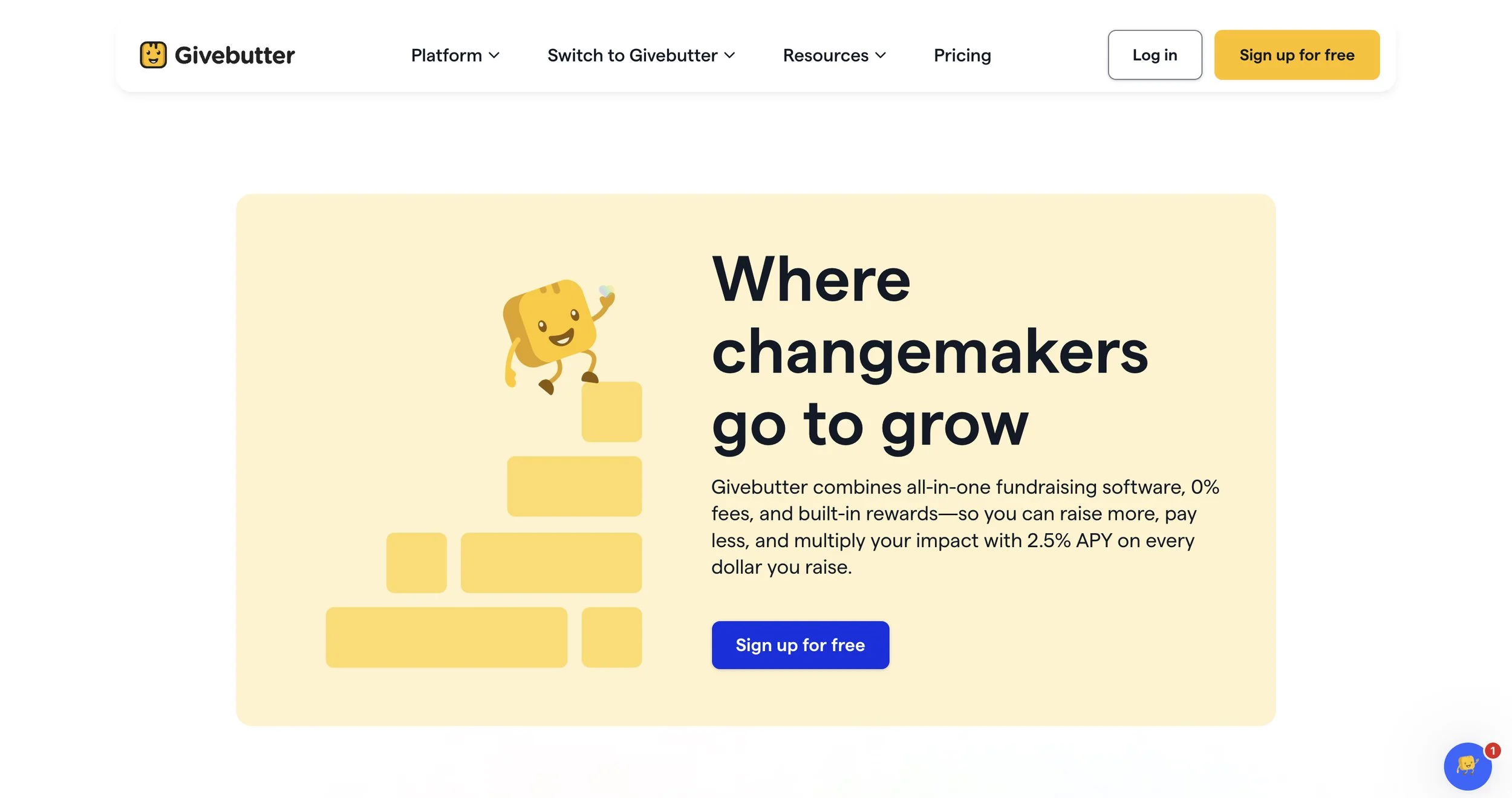
Givebutter Image
Key features
Nonprofit CRM: Givebutter's donor CRM lets you track every donor interaction, manage unlimited contacts, segment audiences, and log both online and offline donations. Contact timelines show the full history of each supporter's relationship with your organization, from their first gift to the most recent communication.
Fundraising campaigns & donation forms: Givebutter supports fundraising pages, peer-to-peer fundraising, multi-team campaigns, and embeddable donation forms. You can add custom branding, progress thermometers, leaderboards, and video embeds to give campaigns a polished, engaging feel.
Event management & auctions: Givebutter handles in-person, virtual, and hybrid events with built-in ticketing, attendee check-in via QR code, and live-streaming integrations with YouTube, Facebook, and Zoom. It also offers mobile bidding for silent and live auctions.
Donor engagement tools: You can send branded emails, text messages, and direct mail to donors from the same platform where you're managing campaigns. There's also a built-in Canva integration, so you can design graphics without leaving the dashboard.
Givebutter Wallet: Settled donations move into your Givebutter Wallet daily, and your balance earns up to 2.5% APY rewards with no minimums and no monthly fees. Funds in your wallet are eligible for FDIC pass-through insurance up to $250K.
Mobile app: The Givebutter mobile app lets you manage events, process donations, scan tickets, and track campaign activity from anywhere. It's particularly useful for in-person events where your team needs to check in attendees and accept payments on the go.
Pricing
Givebutter is free to use. With optional donor tips enabled, nonprofits pay $0 in platform and processing fees, thanks to the Givebutter Guarantee. If donors don't cover those costs, Givebutter will, so you keep 100% of the money you raise. If you'd prefer to turn tips off, a flat 3% platform fee applies plus standard processing fees.
Givebutter Plus is available to organizations that want additional features such as workflow automation, advanced email design, and task management.
What users like about Givebutter
Rated #1 across multiple categories on G2 (including fundraising, donor management, nonprofit CRM, and auctions), Givebutter earns consistent praise from users for its ease of use, the depth of its free offering, and its responsive support team. Several Givebutter user reviews on G2 note that it replaced multiple paid tools their organizations were using separately. Source
2. Donorbox — Donation forms & recurring giving tools for nonprofits of all sizes
Best for: Nonprofits that need a reliable donation form tool with strong recurring giving features.
Donorbox makes it easy for donors to give. Its customizable donation forms can be embedded directly into your existing website in minutes, and the checkout process is designed to reduce drop-off and encourage recurring gifts.
It's a great choice for organizations that already have a website and a CRM they're happy with, and just need a tool to improve the front-end giving experience.
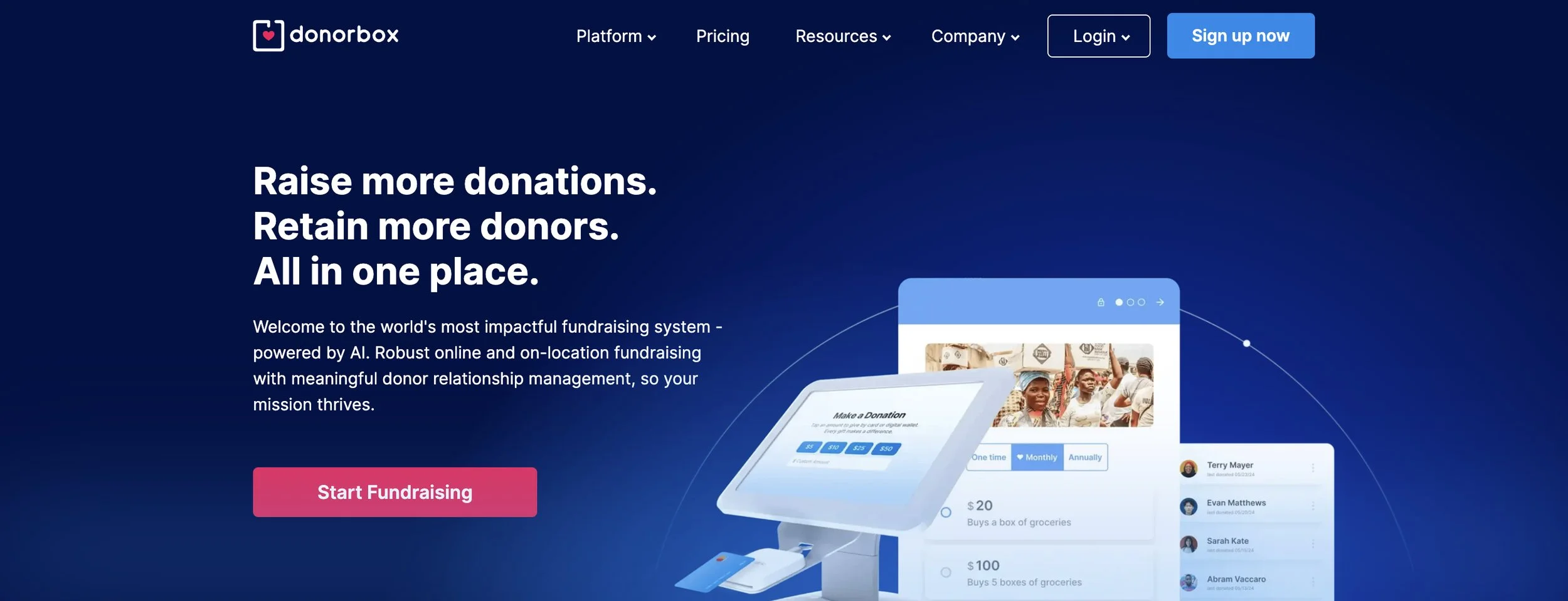
Donorbox Image
Key features
Embeddable donation forms: Donorbox forms can be embedded into virtually any website, including WordPress, Squarespace, and Wix, with no coding required. You can also customize suggested giving amounts and add your branding to the forms.
Recurring giving: Donors can set up weekly, monthly, quarterly, or annual recurring gifts directly from the donation form.
Peer-to-peer fundraising: Donorbox allows supporters to create personal fundraising pages and raise money on your behalf.
Donor management & CRM: Donorbox includes a CRM for tracking donor history, segmenting contacts, and managing giving records.
Text-to-give: Donors can give by sending a simple text message, which is great for during in-person events or gatherings.
Pricing
Donorbox offers a free plan, but charges fees between 2.95% and 3.95%. Paid plans start at $150/month (with fees between 1.75% and 2%).
What users like about Donorbox
Reviewers consistently highlight how straightforward it is to set up and use Donorbox, even for teams without a technical background. Several organizations also credit the checkout experience with measurable growth in monthly donor numbers, emphasizing how easy it is for donors to set up and manage recurring gifts. Source
3. Give Lively — Free fundraising platform for campaigns, events, and peer-to-peer giving
Best for: Nonprofits that want a dedicated peer-to-peer fundraising platform with zero platform fees.
Give Lively is a fundraising platform that helps nonprofits run online campaigns, peer-to-peer fundraisers, and events without paying platform fees. Supporters can create individual or team fundraising pages that feed directly into your main campaign, with real-time tracking that keeps everyone engaged from launch to close.
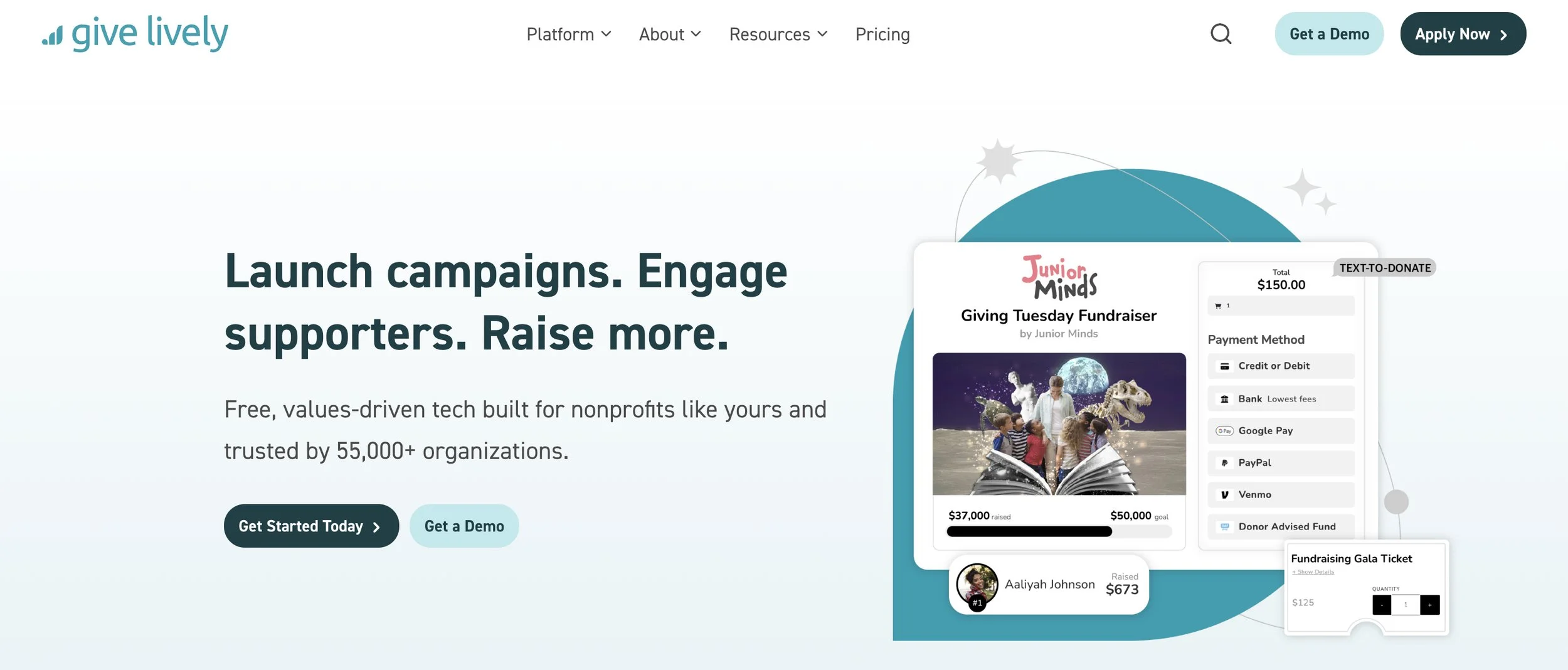
GiveLively Image
Key features
Campaign pages & donation widgets: Give Lively lets you build customizable, mobile-ready fundraising pages and embed a donation widget directly onto your existing website.
Peer-to-peer fundraising: Supporters can create their own individual or team fundraising pages tied to your campaign, complete with a personal profile, fundraising goal, and self-updating progress thermometer.
Text-to-donate: Donors can donate by texting a custom code to a shortcode number, which sends them a secure giving link.
Event ticketing: Give Lively's event ticketing supports custom ticket types, pricing tiers, complimentary tickets, and tax-deductible amount settings per ticket.
Live Display: Every campaign page includes a Live Display that shows donations as they come in. This is useful for live fundraisers.
Pricing
Give Lively is completely free with no platform fees, subscriptions, or percentage taken from donations. The only costs are standard payment processing fees.
What users like about Give Lively
Give Lively’s zero-cost model stands out, particularly for smaller organizations where every dollar counts. Users also highlight the quality of the support team, with several noting that responses come through even on weekends. Source
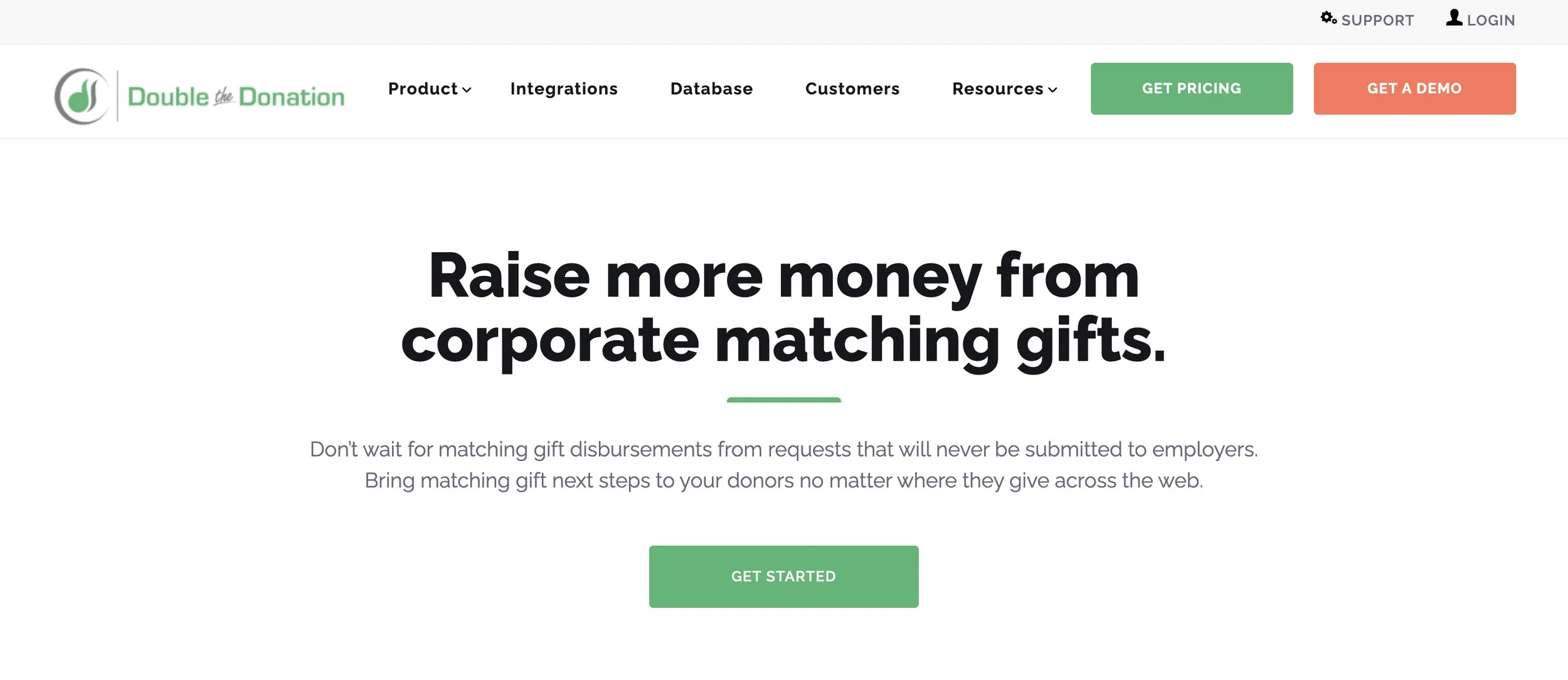
4. Double the Donation — Matching gift & workplace giving automation for nonprofits
Best for: Nonprofits that want to capture corporate matching gift revenue.
An estimated $4 to $7 billion in matching gifts goes unclaimed every year, largely because donors don't know their employer offers a matching program.
Double the Donation closes that gap by identifying which of your donors are eligible for employer matching gifts, then walking them through the submission process so those matches actually get completed.
Double the Donation Image
Key features
Matching gift database: Double the Donation maintains a robust corporate matching gift database, covering thousands of companies' eligibility requirements, match ratios, deadlines, and submission processes. Donors can search their employer directly from your donation form or website.
Automated donor outreach: Once a match-eligible donor is identified, the platform sends targeted follow-up emails with company-specific next steps and submission instructions.
Donation form & CRM integrations: Double the Donation integrates with most major fundraising platforms and CRMs, including Givebutter, Salesforce, Blackbaud, and 100+ others.
Volunteer grants & payroll giving: The platform helps identify volunteer grant opportunities (where companies donate based on employee volunteer hours) and payroll giving eligibility.
Reporting & tracking: Double the Donation tracks the status of match-eligible donations in real time, with reporting that shows which opportunities have been identified, submitted, and completed.
Pricing
Double the Donation allows nonprofits reporting under $250,000 in Contributions on their most recent Form 990 to sign up for free and pay based on usage. Paid tiers start at $999/year.
What users like about Double the Donation
Users consistently highlight how quickly the tool pays for itself, with several noting that just a handful of completed matches cover the annual subscription cost. They also laud the automated emails feature for reducing the manual follow-up work that matching gift programs typically require from staff. Source
5. 32auctions — Online silent auction platform for nonprofit fundraising events
Best for: Small nonprofits and community organizations that run galas, school fundraisers, and silent auction events.
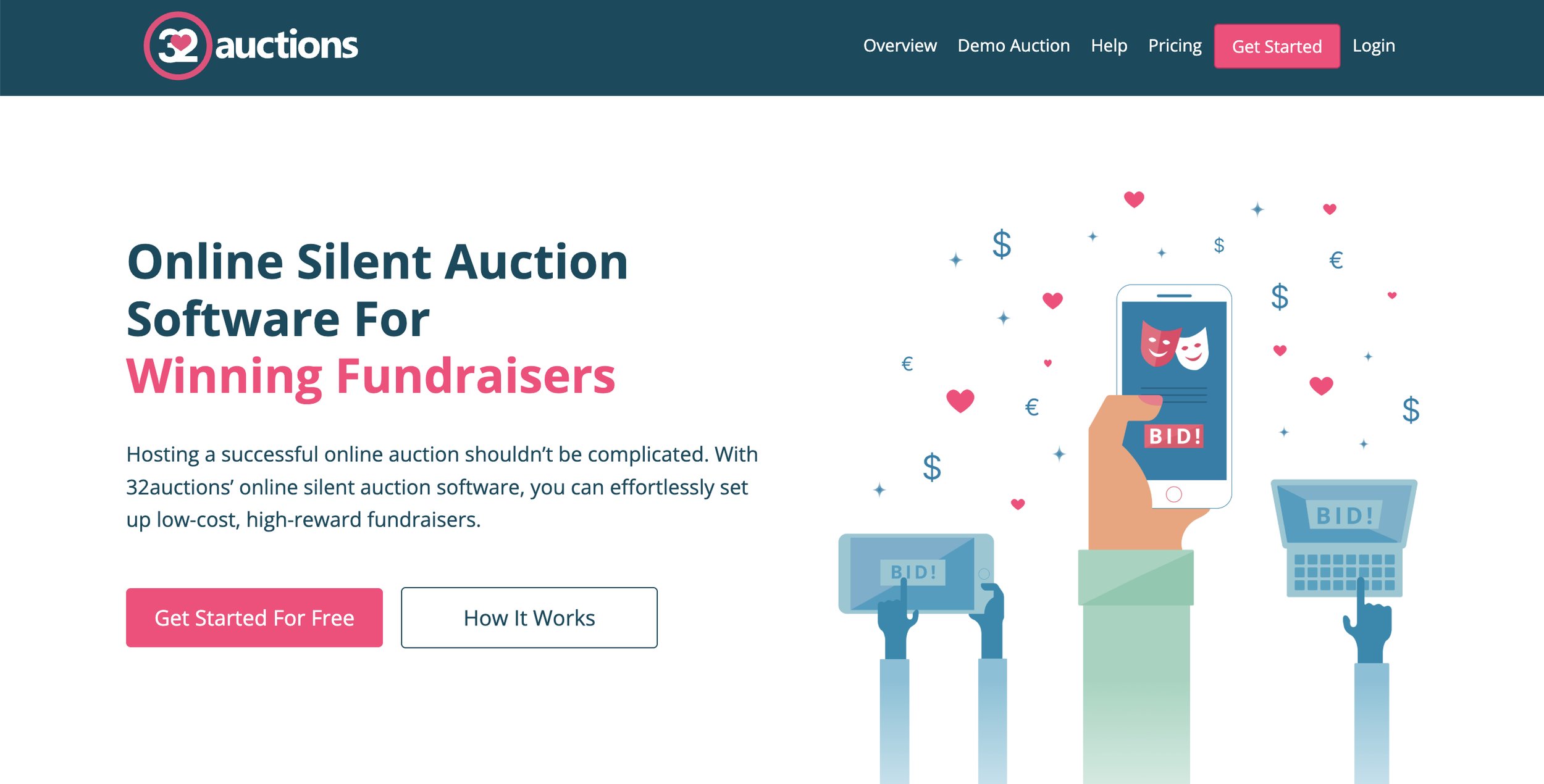
32auctions is designed to manage silent auctions, including online pre-bidding, live event transitions, winning bidder notifications, and online payment collection. It also supports hybrid auctions, so nonprofits that want to open bidding online before a live gala or school fundraiser night can do that without managing two separate systems.
32 Auctions Image
Key features
Online auction setup: You can create an auction page, list items with descriptions and images, set opening bids and bid increments, and share a custom auction link with participants.
Live event transition: 32auctions allows your donors to start bidding online before a live event, then transition to printable bid sheets on the night. Once the event closes, you enter final results into the platform and it automatically sends winning bidder invoices.
Outbid notifications: Bidders receive email notifications when they've been outbid, with a direct link back to the item to place a new bid.
Branding & customization: On the paid tier, you can apply custom colors, upload a banner image, and remove third-party ads from the auction page.
Payment collection: 32auctions connects to Stripe and PayPal for online payment collection at no upfront cost.
Pricing
32auctions offers a free plan for up to 20 items, with optional upgrades. Paid plans start at $195.
What users like about 32auctions
Reviewers consistently highlight how quick it is to set up silent auctions with 32auctions. They also praise the outbid notification system for keeping bidder engagement high throughout the auction. Source
6. Bonfire — Custom merch fundraising platform for nonprofits
Best for: Nonprofits that want to raise money by selling merchandise.
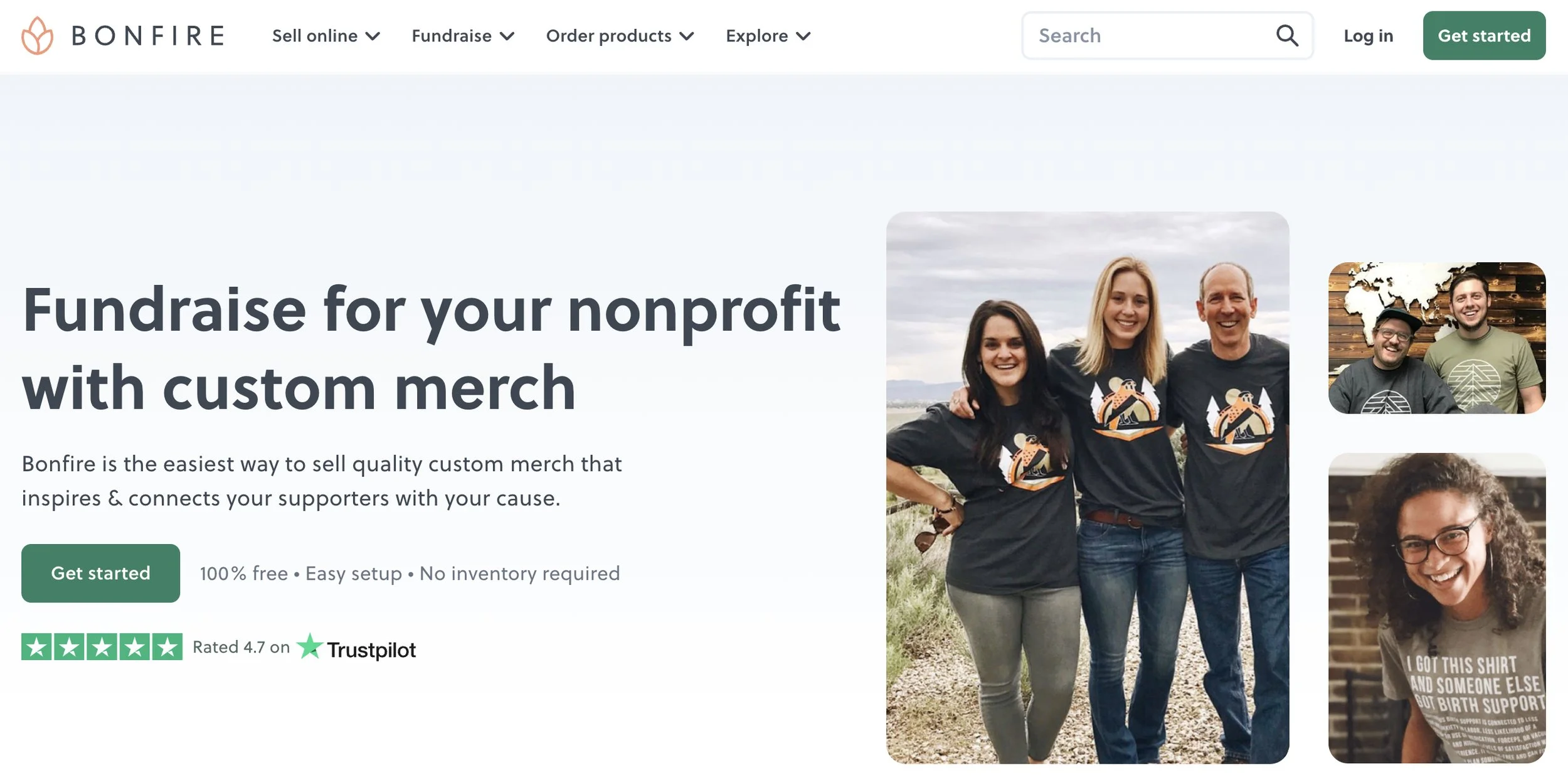
Bonfire lets nonprofits design and sell custom branded apparel and products through a free online store, with Bonfire handling all printing, shipping, and customer service on the back end.
Rather than asking supporters for a straight donation, you're giving them something tangible in return, which can engage a broader audience and strengthen community identity around your cause.
Bonfire Image
Key features
Design tool & product catalog: Bonfire allows you to upload existing artwork or build a design from scratch. The product catalog includes t-shirts, hoodies, hats, tote bags, mugs, water bottles, blankets, etc., all printable with your organization's branding.
Nonprofit merch store: Verified nonprofits can set up a permanent (and branded) online merch store to display and sell products year-round, separate from individual time-limited campaigns.
Peer-to-peer giving: Supporters can launch their own Bonfire campaigns on your behalf, with all proceeds directed to your organization.
Compliant payouts via Change: Bonfire partners with Change, a nonprofit compliance and giving platform, to handle donation payouts and state-level regulatory requirements.
Pricing
Bonfire is free to use with no platform fees, no inventory costs, and no subscription. You keep 100% of the profit (the selling price minus the base cost of the item). If you enable additional donations on your campaigns, an 8% processing fee applies, reduced to 3.5% for verified nonprofits.
What users like about Bonfire
Reviewers appreciate that the platform is free to use with no minimum inventory requirements, and that setting up a store requires no technical knowledge or developer resources. Source
How to choose the right tool for your nonprofit
Before you commit to any fundraising tools, try answering these questions first.
What's your biggest operational gap right now? The best fundraising tool is the one that solves your most pressing problem. If donor retention is the issue, a CRM-forward platform like Givebutter or Donorbox makes more sense than a slick campaign builder.
Do you need one tool or an all-in-one platform? Tools like Bonfire or 32auctions works well for specific use cases, but if you're managing donations, events, and donor communications separately, consolidating into one platform will save you time and reduce errors.
What does "free" actually cost you in fees? A $0 monthly fee doesn't always mean low cost. Transaction fees, processing fees, and add-on charges can add up quickly, especially on high-volume campaigns. Always calculate total cost based on your expected donation volume.
Will your team actually use it? Feature-rich platforms are only valuable if your staff and volunteers can navigate it without constant hand-holding. Look for tools with strong onboarding resources and accessible customer support.
Finding the right fundraising tools for your nonprofit
The right fundraising tools free up time and energy your team can put back into your mission. Whether you're consolidating scattered systems into one platform, adding a matching gift tool to capture more revenue, or opening a new fundraising channel with branded merch, the goal is the same: less friction, more impact.
Every nonprofit has different needs, and no single tool is the right fit for everyone. Take stock of where your gaps are, revisit the questions in this guide, and choose the tool(s) that match how your organization works.
FAQs
Are free fundraising tools really free for nonprofits?
Not always. Many "free" platforms still charge transaction fees, payment processing fees, or both. Some also lock key features behind paid plans. Before signing up, look at the full fee picture based on your expected donation volume.
2. What's the best fundraising tool for a very small nonprofit with no tech staff?
Givebutter and Donorbox are both strong options for small teams without technical resources. Both can be set up quickly (without needing a developer) and they offer responsive customer support when something goes wrong. Give Lively is also worth considering if your organization qualifies for membership.
3. Can I use multiple fundraising tools together?
Yes, and many nonprofits do. For example, you can use Givebutter for campaigns and donor management, Double the Donation for matching gifts, and Bonfire for merchandise. The key is making sure the tools you combine don't create data silos or manual reconciliation work that costs your team more time than they save.
4. What's the difference between a fundraising platform and a donor CRM?
A fundraising platform helps you collect donations and run campaigns, while a donor CRM helps you track and manage relationships with the people who give.
Some platforms, like Givebutter, include both in one place. Others focus on one or the other, which means you may need to connect them through an integration to get the full ecosystem.
5. Does Givebutter work for small nonprofits?
Yes. Givebutter gives smaller organizations free access to tools that would typically require multiple paid subscriptions, including donor management, fundraising campaigns, event management, donor communications, and auctions.
For teams that want more advanced functionality, Givebutter Plus is available as an optional upgrade.